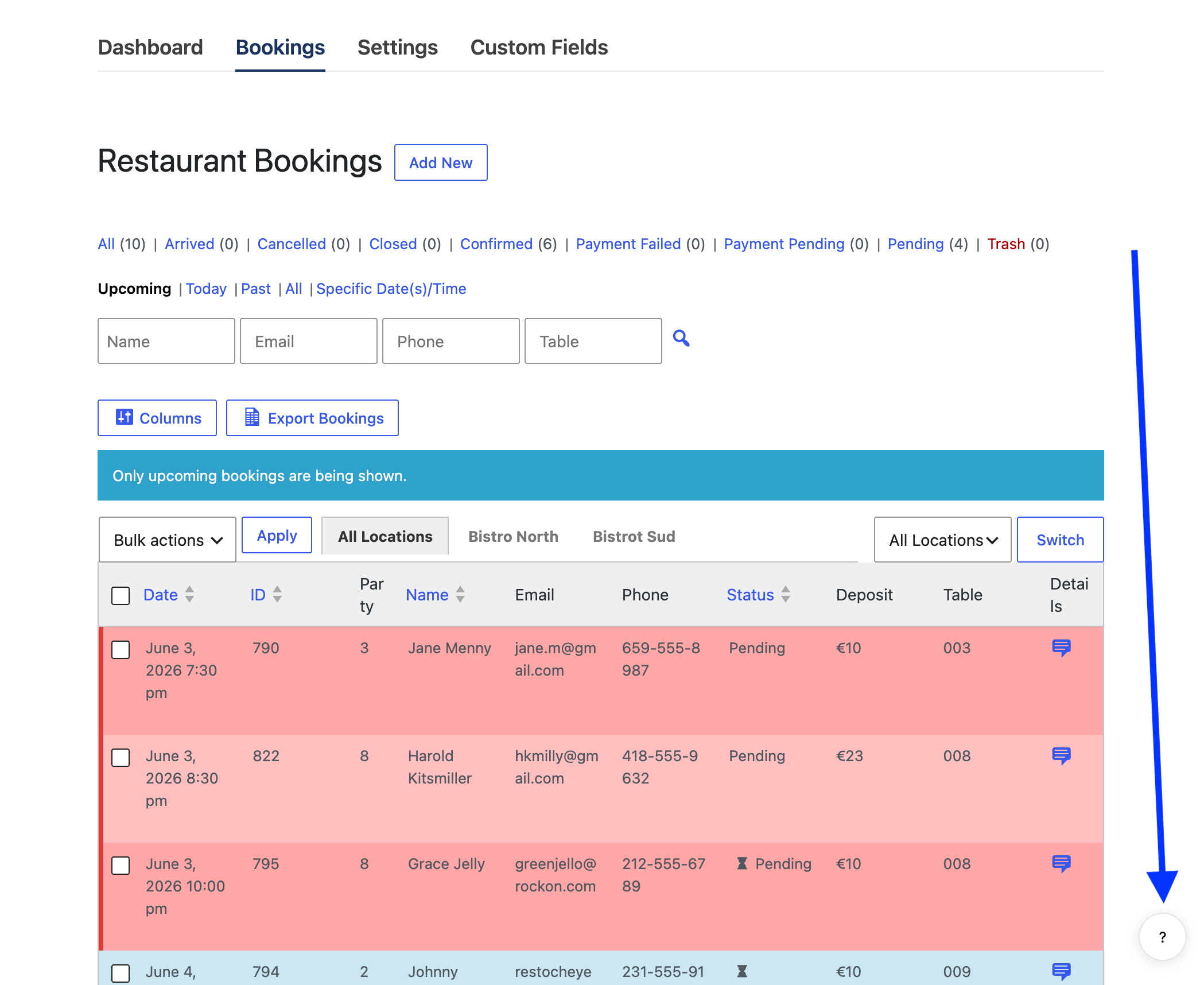
Accessing the built-in plugin help is easy. Once the AIT AI Admin Assistance plugin is activated, on any pages that help is available, you will see a small help bubble/button, with a question mark or the word HELP on it, in the right lower corner of your screen.
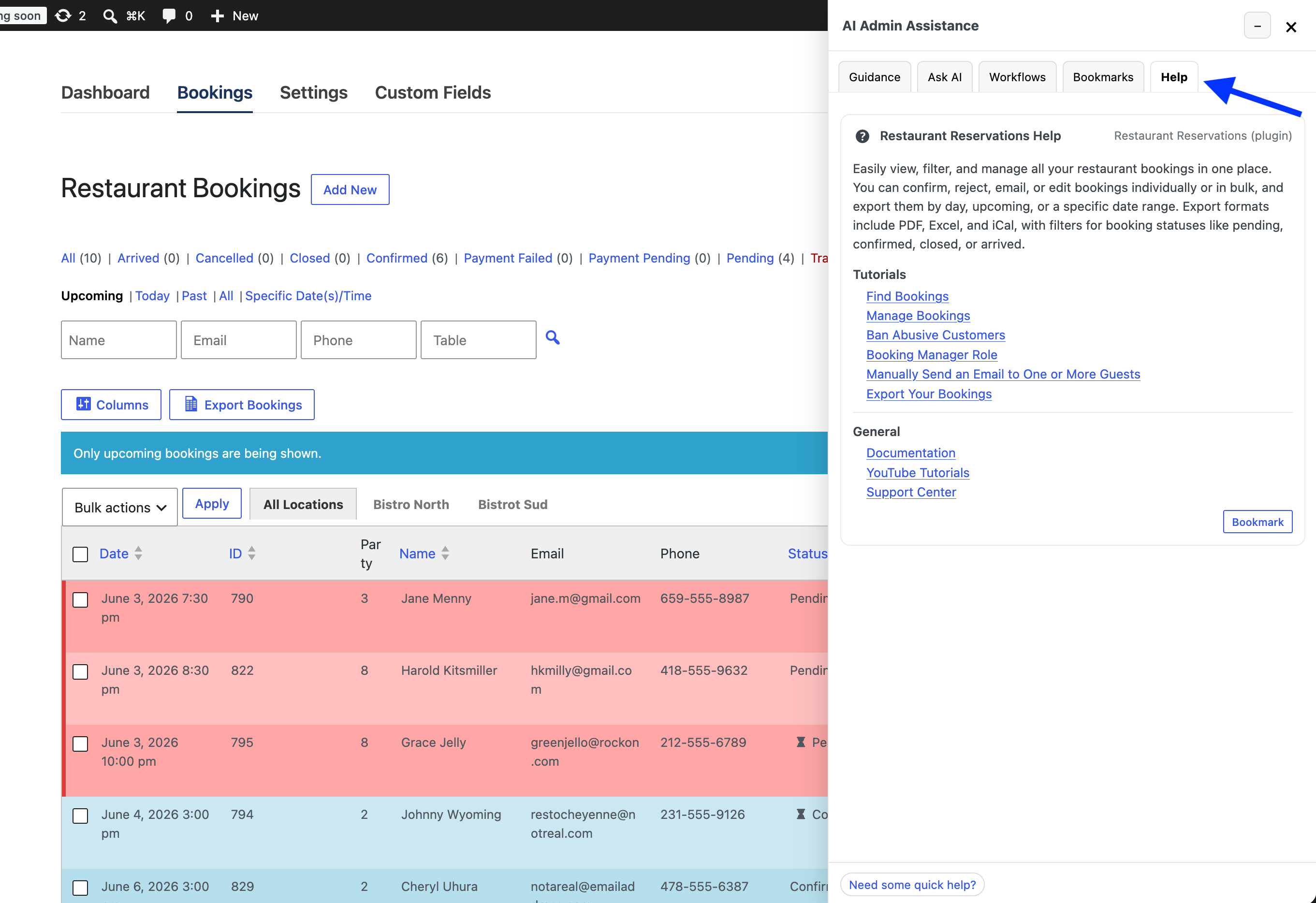
Clicking this button will slide open a panel. In that panel, click the Help tab to access the help and guidance for the specific plugin admin screen you are on.
Here is a screenshot with an example taken from the main Bookings overview page, which shows the panel open to the Help tab and the included guidance for this page.