
You now also have access to a built-in AI assistant that automatically uses all the data/content/info from the page you are on to dynamically answer any question you have.
Accessing the AI assistant is easy. Once the AIT AI Admin Assistance plugin is activated, on any pages that help is available, you will see a small help bubble/button, with a question mark or the word HELP on it, in the right lower corner of your screen.
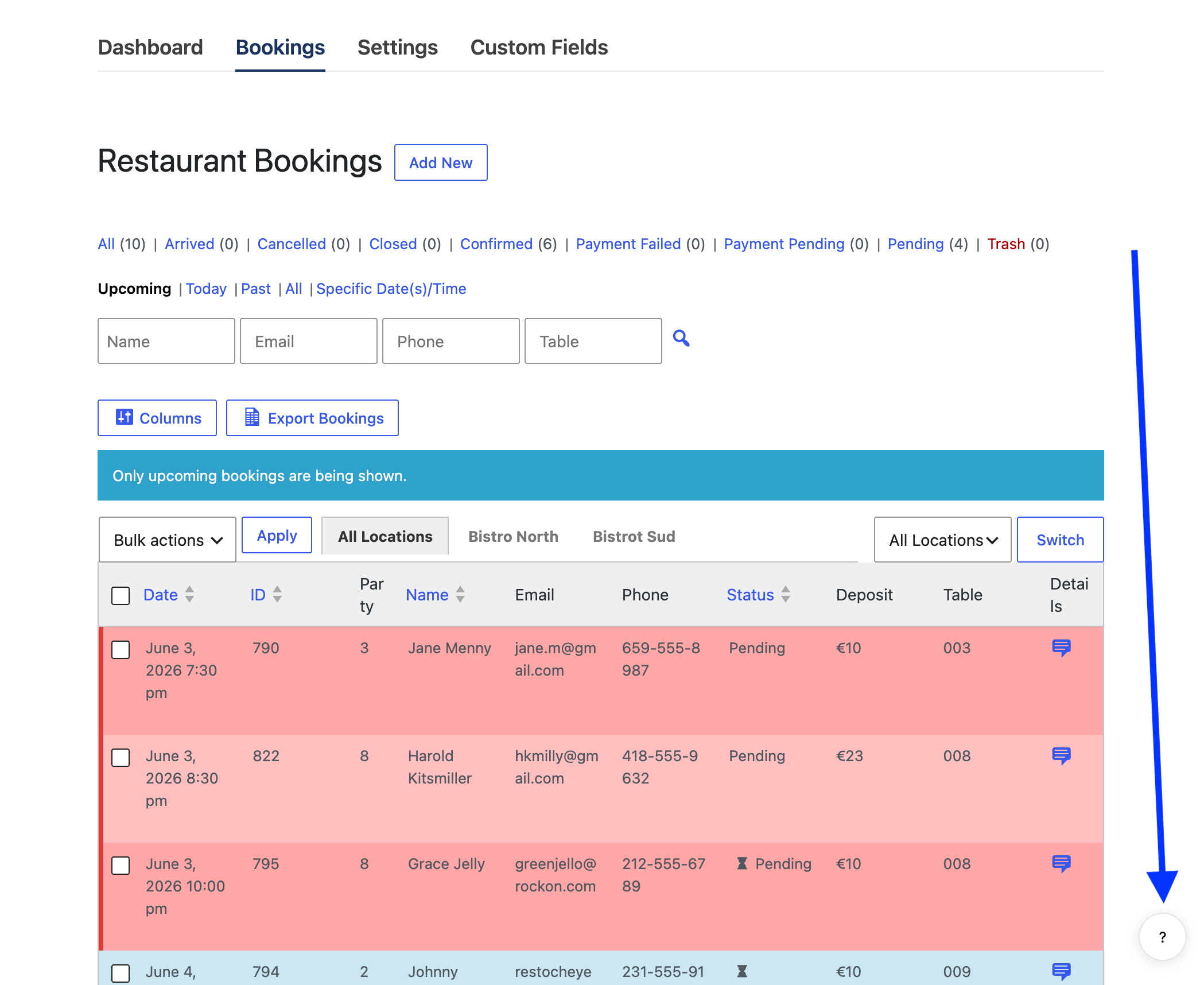
Clicking this button will slide open a panel. In that panel, click the Ask AI tab.
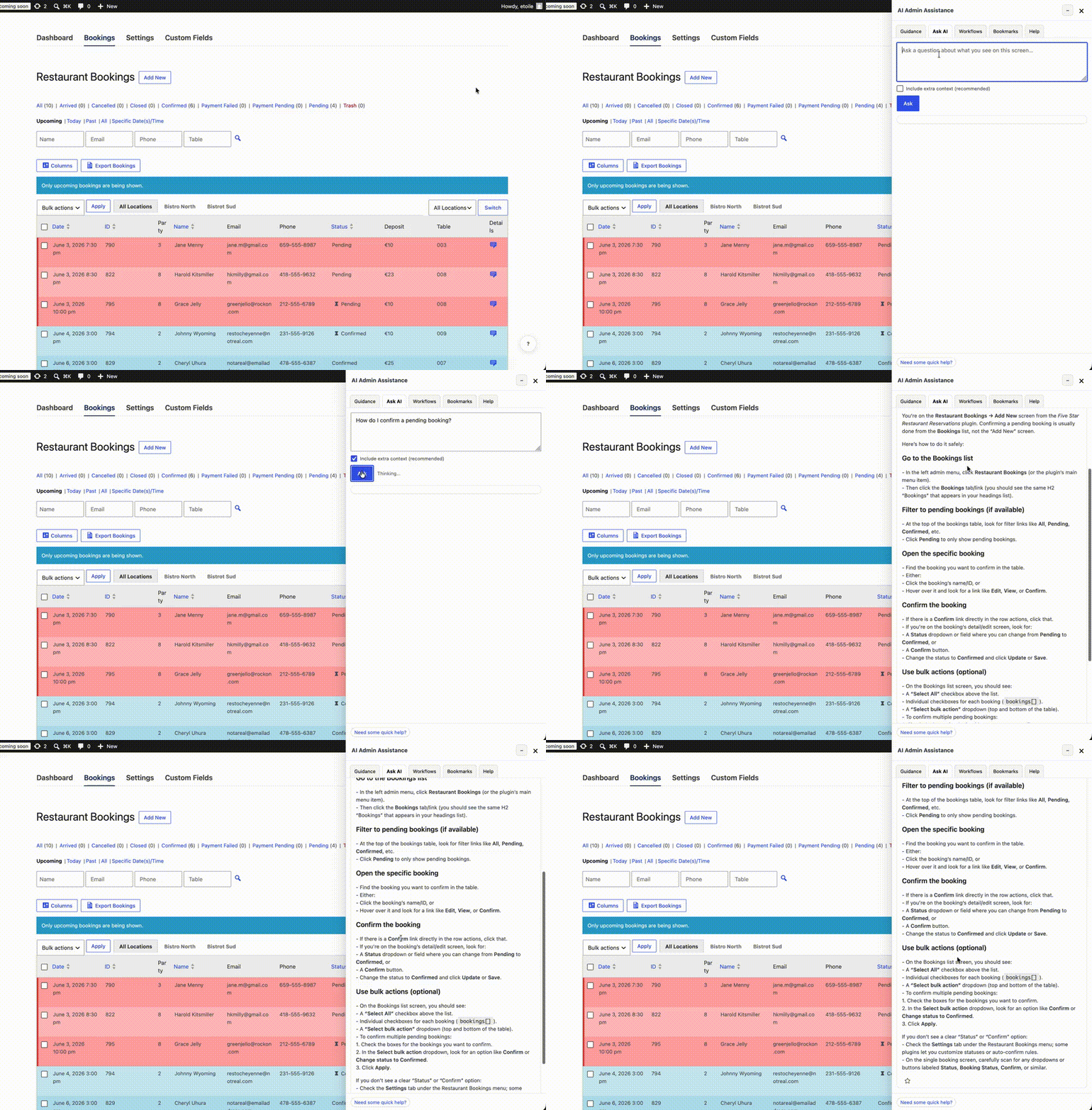
You will now see a text area field, into which you can type any question or query you have about using the plugin, but especially about using the current screen/page you are on.
Checking the Include extra context box before clicking the Ask button is recommended, as it will ensure that all content on the page is sent as part of the query.
Here is a gif with an example taken from the main Bookings overview page, which shows the AI assistant being used for a question about that page.
If you need to ask any follow-up questions, make sure to check the Continue conversation? box.
You can now use this AI assistant to ask any question about any function or feature or setting that you see in the reservations plugin admin.